Blog
ERP License Optimization: Strategies for Auditing and Right-Sizing User Access
October 8, 2026
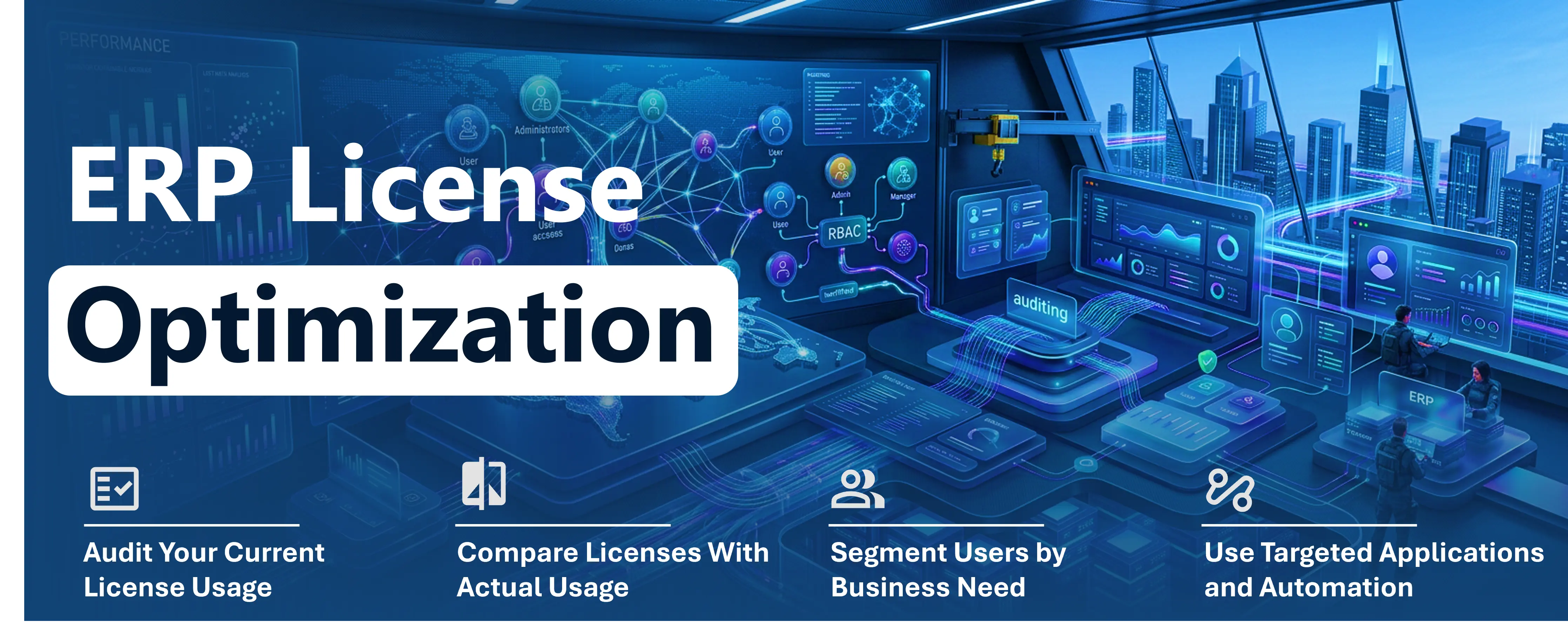
Are you paying for expensive ERP licenses that employees barely use?
As companies grow, software access often expands faster than operational needs. ERP platforms such as SAP, Oracle, and Microsoft Dynamics 365 are essential for managing core finance, supply chain, and manufacturing operations. However, as organizations scale, ERP environments quickly accumulate unnecessary users, excessive permissions, and shelfware modules.
The result? Redundant software costs that provide zero business value.
ERP license optimization solves this. By auditing actual user behaviour and right-sizing access, your organization can eliminate wasted spending and align your software investment with your operational needs.
What Drives Higher ERP Licensing Costs
ERP licensing is not always based solely on the number of employees. Costs can depend on user roles, functionality, modules, transaction rights, geographic and organizational complexity, integration requirements, and access levels.
For example, a finance manager may need extensive transactional capabilities while a warehouse employee may only need to check inventory or update order status. Assigning both users the same level of ERP access can lead to unnecessary licensing costs.
Organizations may also continue paying for:
- Inactive or dormant user accounts
- Employees who have changed roles
- Excessive permissions
- Duplicate or overlapping licenses
- Occasional users with full ERP access
- Features or modules that are rarely used
Strategies for Right-Sizing ERP User Access
- Audit Your Current License Usage: Start by creating a clear view of active users, assigned licenses, roles, permissions, modules, and usage patterns. Identify inactive accounts and employees whose responsibilities have changed.
- Compare Licenses With Actual Usage: Look beyond assigned licenses and examine how users actually interact with the ERP system. A user with a premium license who primarily views reports or performs occasional updates may not need the same level of access as a finance or operations power user.
- Segment Users by Business Need:Organizations can categorize users based on their work:
- Power users: Require comprehensive ERP functionality
- Operational users: Need access to specific business processes
- Information users: Primarily consume reports and dashboards
- Occasional users: Require access for limited activities
- Use Targeted Applications and Automation:
- Not every employee needs direct access to the full ERP environment. Organizations can provide targeted capabilities through applications, workflows, dashboards, and integrations.
- For example, a manufacturing employee may need only to view work orders and inventory availability. Instead of granting full ERP access, a targeted application can provide the required information, while comprehensive licenses remain available to planners, finance teams, and other power users.
- In Microsoft environments, Power Apps, Power Automate and Power BI can support targeted experiences with Dynamics 365 data and processes. AI-driven automation is also increasingly useful for routine activities such as notifications, data validation, and workflow execution.
Use Cases for License Optimization
- Manufacturing: Production employees can access work orders and inventory information without requiring the same level of access as production planners.
- Retail: Store employees may only need inventory visibility or order status information while corporate teams require broader ERP capabilities.
- Professional Services: Employees submitting timesheets or expenses may need limited functionality rather than comprehensive ERP access.
Turn License Savings Into Technology Value
ERP license optimization is not simply about reducing costs. It enables organizations to redirect technology spending toward automation, analytics, AI, integrations, and other initiatives that can deliver greater business value.
Regular license reviews also help organizations prepare for renewals by providing better visibility into actual usage rather than relying on historical license allocations.
KARYA Technologies helps organizations assess ERP environments, identify licensing inefficiencies, and develop practical strategies to optimize existing technology investments. With expertise in Microsoft Dynamics 365, automation, ERP optimization, and AI integration, KARYA helps businesses align technology access with real operational needs.
Audit your ERP environment, right-size user access, and make every technology investment work harder.
Connect with KARYA Technologies at info@karyatech.com or visit www.karyatech.com